

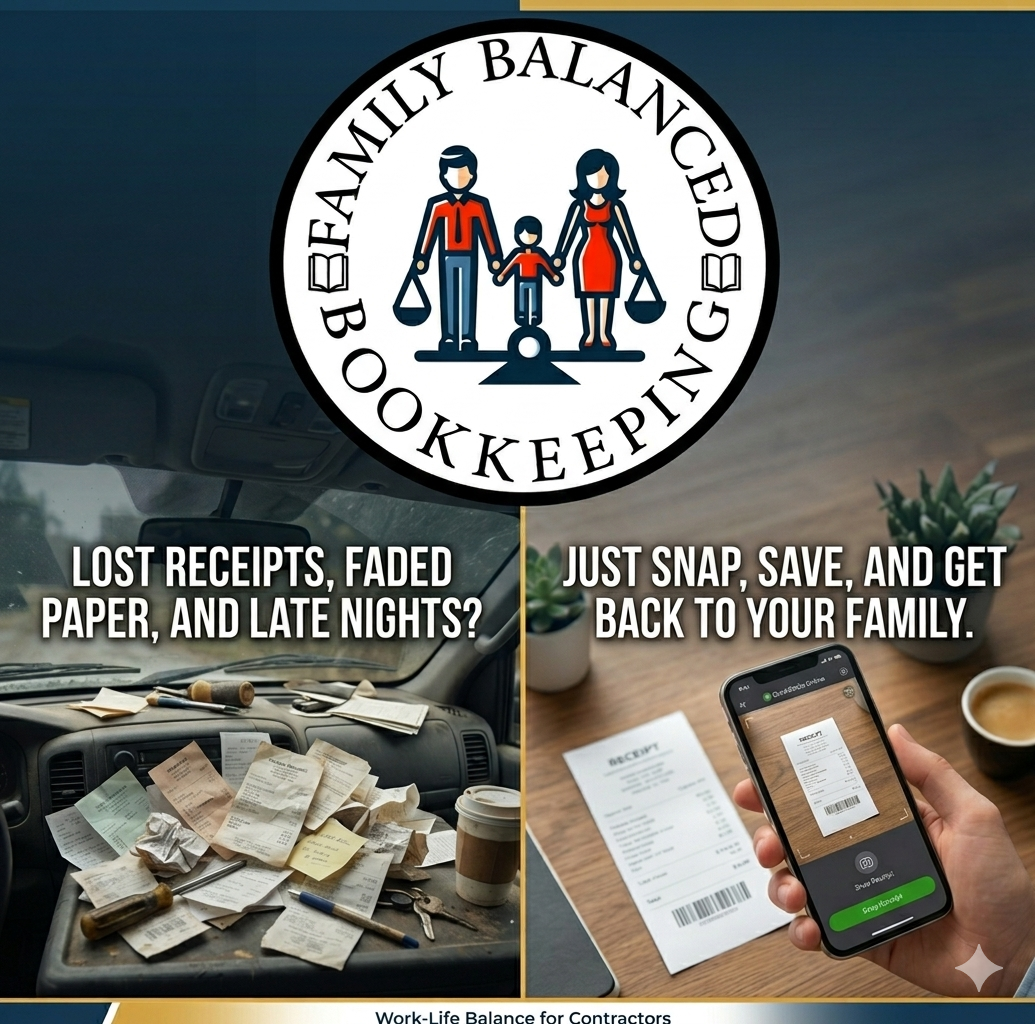
Your truck dashboard is for coffee, not for filing receipts.
Stop losing money to faded paper.
Using the QuickBooks Online mobile app allows you to capture and categorize expenses instantly, keeping your records audit-ready without the manual data entry.
Here is how busy contractors that use their truck as an office can use the receipt feature to stay organized:
- Open the App: Launch the QuickBooks Online mobile app on your smartphone while you are still at the supply store or job site.
- Snap a Photo: Use the “Receipt Snap” feature to take a clear picture of your physical receipt.
- Automatic Processing: The app uses AI to extract key information like the date, vendor, and total amount, so you don’t have to type it in.
- Review and Categorize: Quickly verify the details and assign the expense to the correct category (like “Job Materials” or “Tools”).
- Match or Create: QuickBooks will automatically look for a matching bank transaction to reconcile, or it will create a new expense entry for you.
- Discard the Paper: Once the image is uploaded and saved to your books, you can safely toss the paper receipt, keeping your truck and office clutter-free.
All of the major accounting software have this type of feature. You just snap, save, and stay moving. No more fading ink, no more lost tax breaks, and no more late-night stress. Your bookkeeper (and your CPA) will thank you, and you’ll actually know where your money is going.
My family and I run Family Balanced Bookkeeping to help you buy back that time so you can get home to what matters most. Schedule a free consult now.
To learn more about QuickBooks, click here!
